





The authority asks, the office searches
A document from two years ago, a row of folders and nobody who knows which month it is in.

Landfill Management
Structive Software · Landfill Management
You upload the PDF batch. The module separates the pages, reads out the fields and files every document against the site, the company and the waste code. What the authority asks for is found in seconds.
Register yourself. First site created in five minutes. 30 days free.
5 min
Register, create a site, upload the first batch of documents — the evaluation happens automatically.
The working day without a system
Weighbridge tickets arrive as a batch, consignment notes separately, both as a scan or a phone photo. Filing happens when there is time. When the authority asks for a single record, the search begins.
A document from two years ago, a row of folders and nobody who knows which month it is in.
Ticket number, date, waste code, tonnage, company — typed out per ticket, hundreds of times a year.
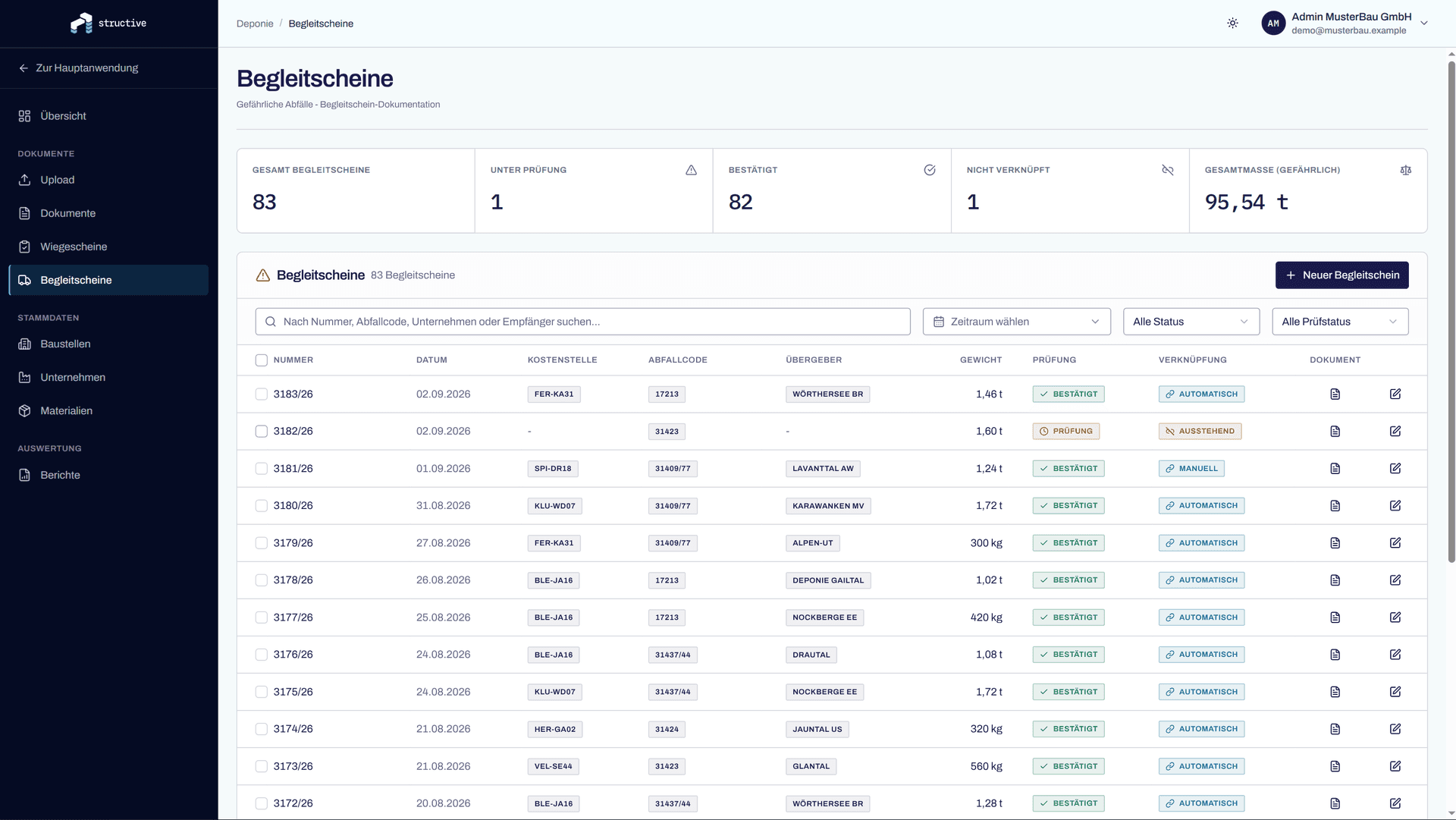
One hazardous delivery produces two pieces of paper. They belong together but sit in two different folders.
How much of which material came via which site is only known once someone adds it all up.
Upload an old batch in the trial and see what comes out.
The working day with a system
How it works
Step 01
A combined scan with thirty pages works just as well as a single ticket. You do not have to sort anything.
Step 02
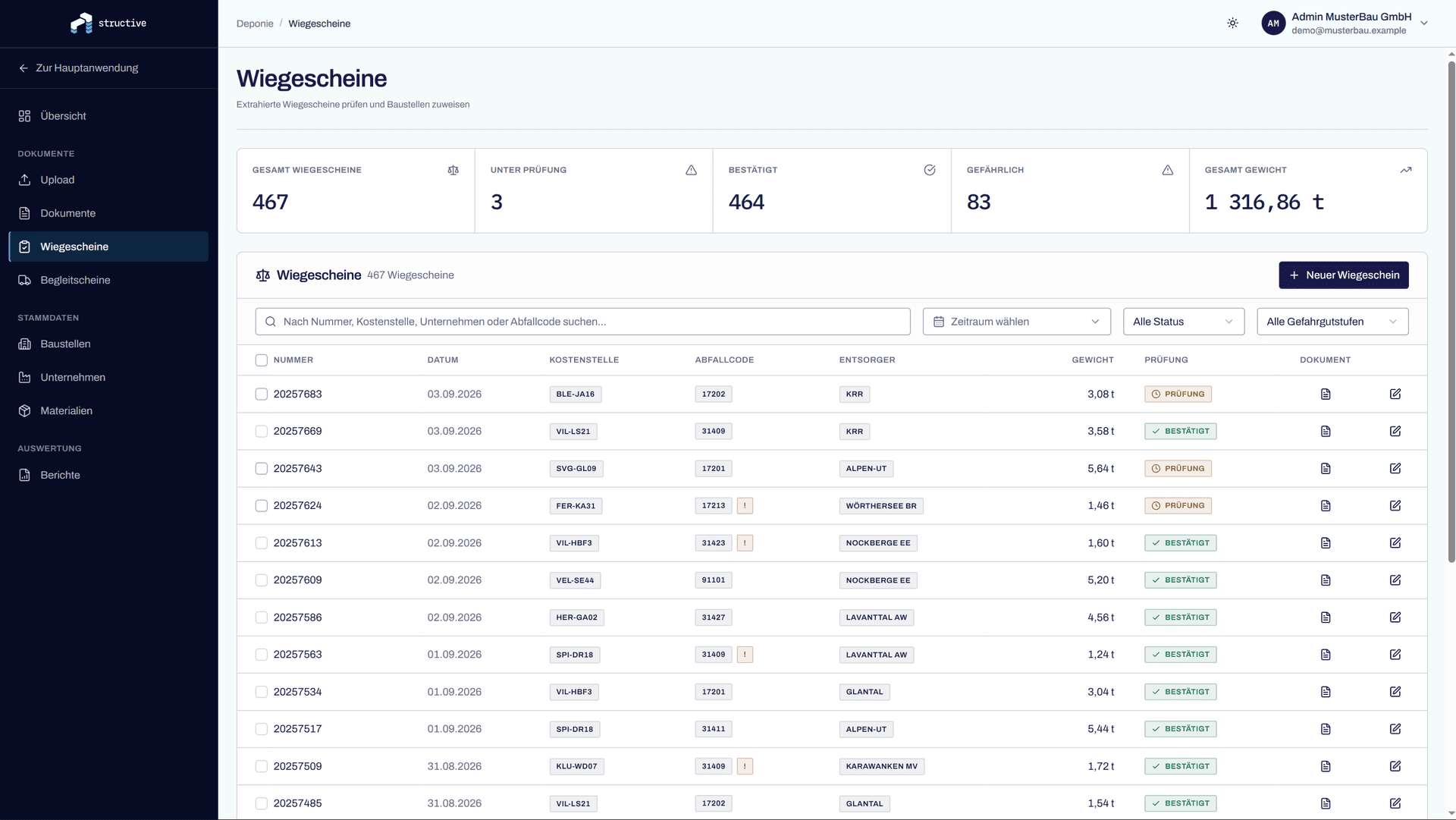
Every page is classified as a weighbridge ticket, a consignment note or a supplementary sheet. From the tickets come number, date, waste code, material, weight, company and site. Pure scans are read too.
Step 03
Disposal companies are matched against your master data, even with typos and scanning errors. Every consignment note attaches itself to its weighbridge ticket via the reference number. Anything that stays unclear is flagged, not guessed at.
Step 04
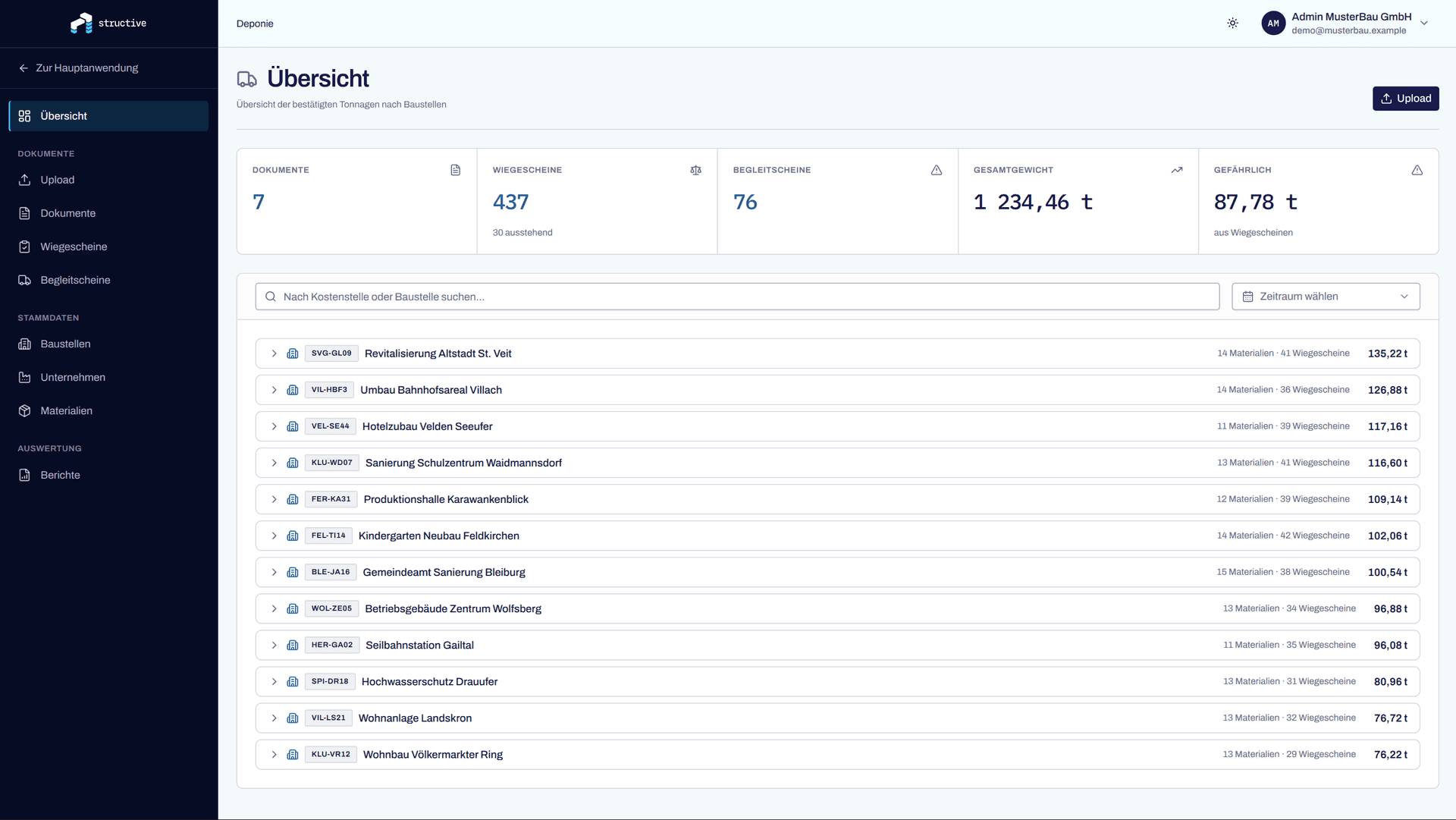
Every document is ready for review: page image on the left, the fields that were read on the right. Confirm individually or as a selection. Only confirmed documents count in analyses and reports.
You can see the reliability for yourself.
A look inside
Screenshots from the running module. The figures in them are test data.
Built by people who have done the invoicing themselves.
Who it is for
Anyone having excavation, demolition material or rubble hauled away has to be able to produce a record for every load — even years later. That is exactly what the module is built for.
When it pays off
From the point where a stack of weighbridge tickets arrives from the sites every month and someone types it out.
Who works with it
Owners, the office and site management. Every user only sees the sites they have been given access to.
Businesses
What it is not meant for
No connection to the weighbridge, no invoicing of deliveries, no accounting. The module answers one question: which delivery is documented and provable.
What comes next
Today your documents sit in the system in order and ready to evaluate, and the report comes out as a file.
In development
Direct handover to the electronic data management system so the report does not have to be entered by hand a second time. Until then the confirmed data goes out as Excel, PDF or CSV.
FAQ
Something still open? Ask us directly.
Five minutes to the first site: register, create the site with its number and address, upload the first batch of documents. Companies and waste codes are created as the documents are read in.
The first 30 days are free. The prices after that are not fixed yet — we will talk to you about it before anything costs money. Nobody slides into a subscription automatically after the trial.
Yes. The page recognition does not rely on a particular form, but on features that every weighbridge ticket and every consignment note has to carry. That is why it also works with documents from different operators and with older versions of a form.
Every document sits in review until a person confirms it. You see the scanned page image next to the fields that were read, correct whatever does not fit and then confirm. Only confirmed documents feed into analyses and reports.
Yes. Digital PDFs are read directly, pure image scans via OCR. The date is taken over exactly as it appears on the document — nothing is silently corrected, so a ticket from 2015 stays 2015.
Via the waste code in the stored material master data, not via a judgement by the text recognition. What counts as hazardous is decided by your material list.
No. 1,484 waste codes are already stored at setup. You add your own materials and your companies yourself; values that cannot be matched are shown to you as a list so you can see which master data is missing.
Not today. The EDM interface is in development. Until then you generate the report for a period as Excel, PDF or CSV and file it as before.
Only if you want it that way. A user without access to all sites only sees their own. Documents that are not yet assigned to a site stay deliberately visible to everyone, so that they get assigned.
We do, directly. A call or an email to the same people who built the module. No ticket system, no hold queue.
Get started
Register yourself, 30 days free. If you have questions, get in touch.
Contact
Five details, then we get back to you with a proposed date. The call takes about 30 minutes and costs nothing.
Call directly
+43 664 14 88 558Address
Structive GmbHGoogle Maps map — only loaded when you click.
Loading it transmits data to Google.